Mesh Clean
Mesh cleanup and inspection tools.
Note
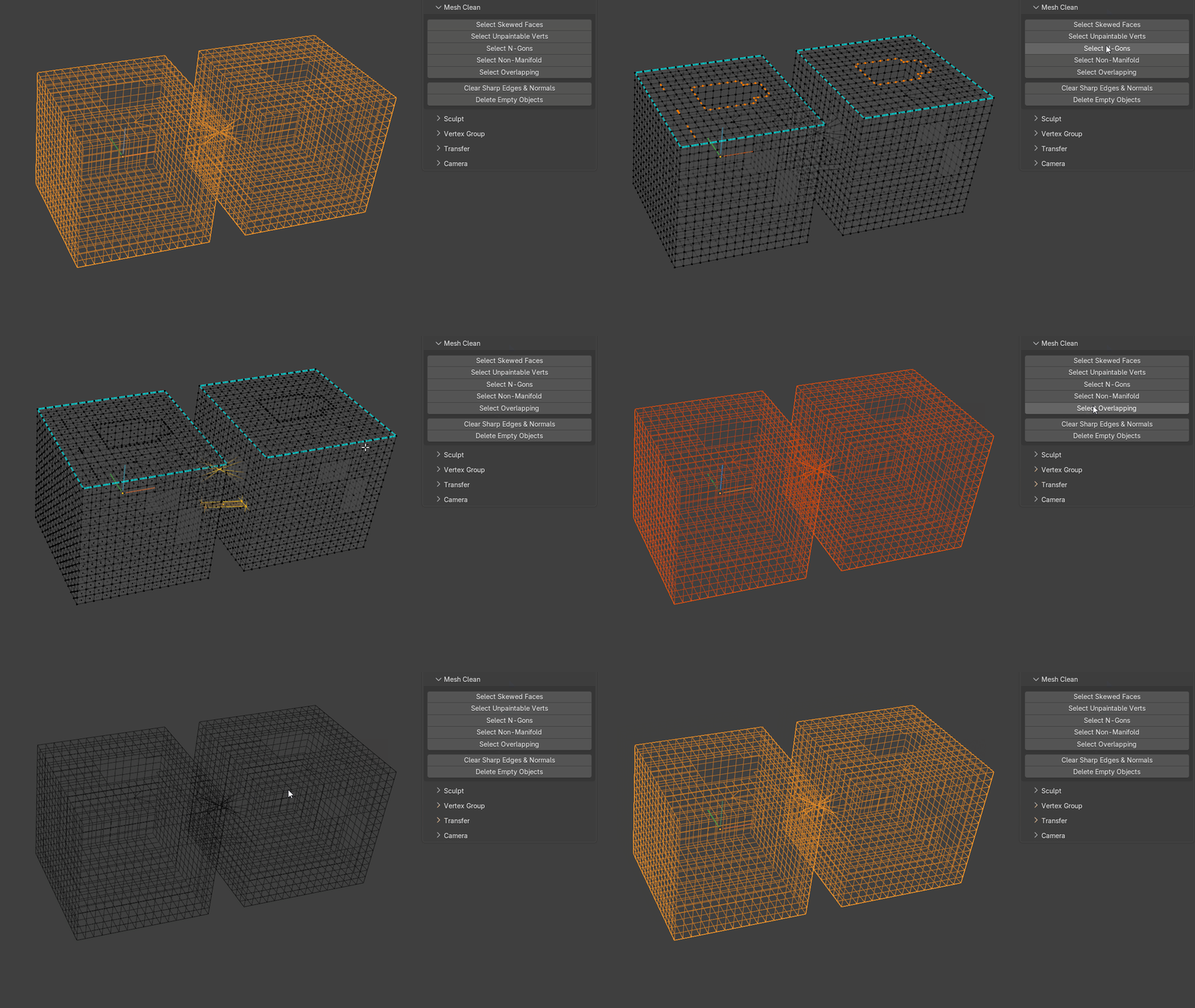
These cleanup tools deselect non-problematic objects, enter Edit Mode on problematic objects, and highlight the detected issue for quick inspection.
Select Skewed Faces
Selects faces that are extremely skewed and causing poor triangulation.
Select Unpaintable Verts
Selects vertices that have only two edge neighbours.
An angle tolerance helps avoid selecting legitimate corner vertices.
Select Ngons
Selects n-gons.
Select Overlapping
Finds objects or components that are perfectly overlapping.
The operator supports both Object and Component modes.
When duplicates overlap, the tool aims to select the redundant geometry while leaving one copy unselected, making it possible to immediately delete the problem geometry.
Clear Sharp Edges & Normals
Removes imported sharp-edge and custom-normal data, leaving a soft-shaded mesh without custom normals.
Delete Empty Objects
Deletes scene objects that contain no vertices, edges or faces.